Structured source models
Organize screens, device channels, identifiers, data types, states and relationships in schemas or configuration models.

// Generated from screen.schema
static Screen operator_home() {
  return Screen {
    .id       = "operator_home",
    .layout   = Layout::ResponsiveGrid,
    .status   = bind("device.ready"),
    .actions  = { Action::Confirm, Action::Cancel },
    .theme    = Theme::Industrial
  };
}Traceable inputs, generated files and validation results for embedded product teams.
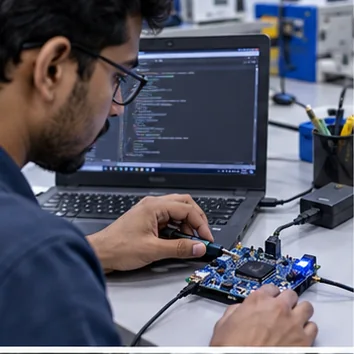
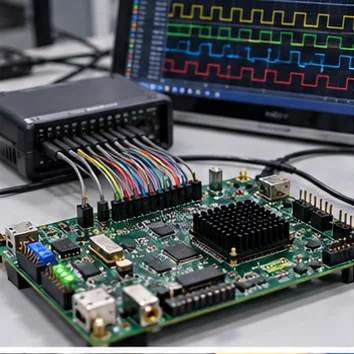
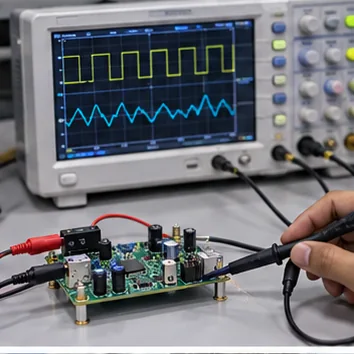
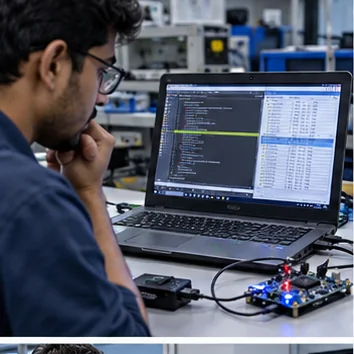
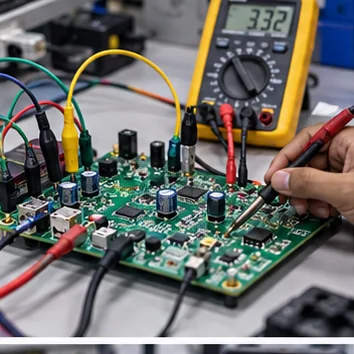
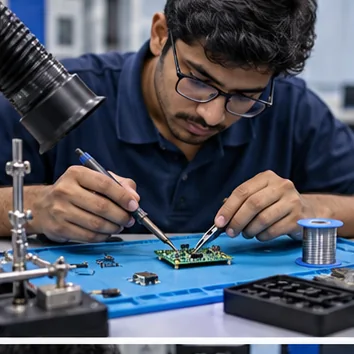
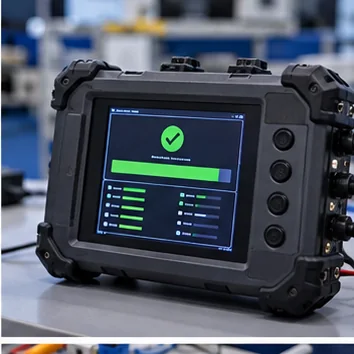
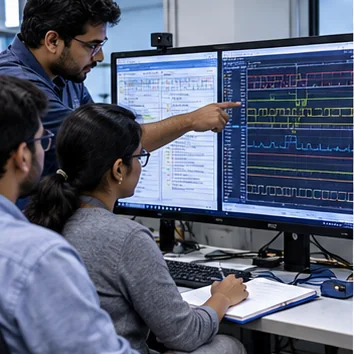
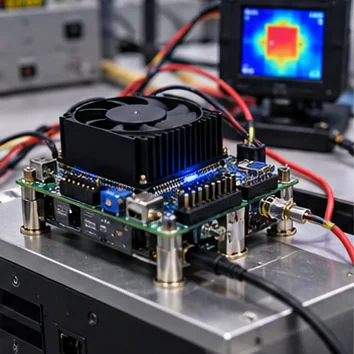
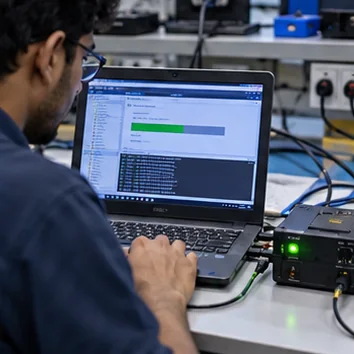
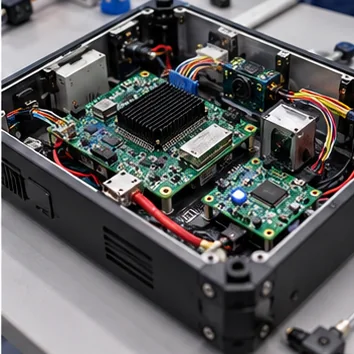
We shape the source model, validation rules and templates together, so generated files stay predictable, reviewable and aligned with the target build.
Organize screens, device channels, identifiers, data types, states and relationships in schemas or configuration models.
Catch missing fields, invalid values, duplicate IDs and incompatible combinations before output reaches the build.
Apply versioned templates and naming conventions to repeatable source, configuration and resource files.
Produce predictable paths, readable diffs, build manifests and traceable links back to their model inputs.
Choose the files your product pipeline needs. Keep ownership, validation and review close to the source model.
C/C++ modules, headers, type definitions and interface bindings.
IMPLEMENTATION FILESJSON/YAML settings, channel maps, register definitions and parameter tables.
CONFIGURATION DATAScreen registries, widget maps, localization keys, themes and asset manifests.
PRODUCT RESOURCESBuild manifests, validation summaries, generated fixtures and review reports.
PIPELINE SUPPORTAutomation should remove repetitive work without hiding decisions. Keep model changes, validation results and generated diffs connected.
Define device, interface and protocol data in a structured source of truth.
Check required fields, ranges, naming rules, versions and cross-field constraints.
Render target files from versioned templates, then review exactly what changed.
Package outputs with traceability notes for engineering review and maintenance.
Share the model, target files and validation rules. We’ll help define a practical first generation cycle.