Establish a screen system
Define navigation, status, controls, and reusable components.

Shape screen systems, interaction behavior, and implementation guidance around hardware, users, and operating conditions.
Touch controls, status screens, setup flows and operator feedback on embedded equipment.

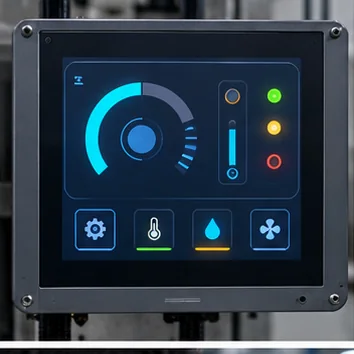
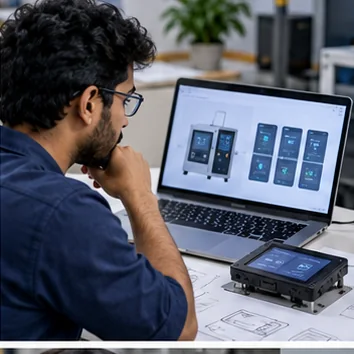
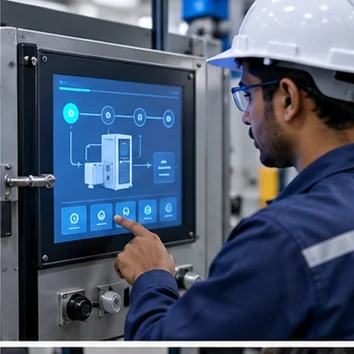
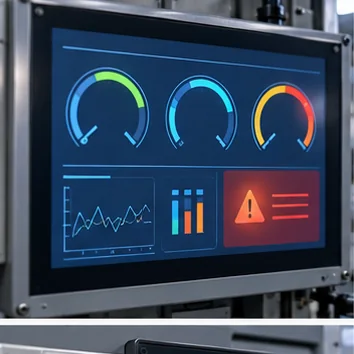
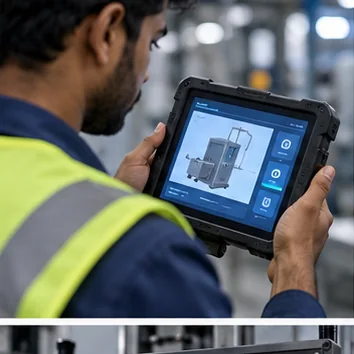
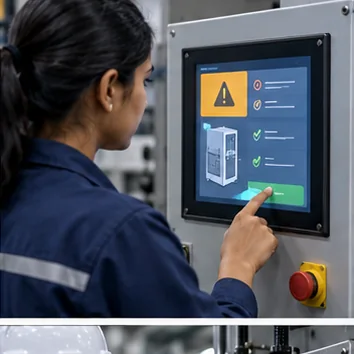
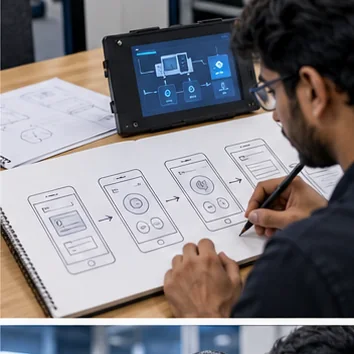
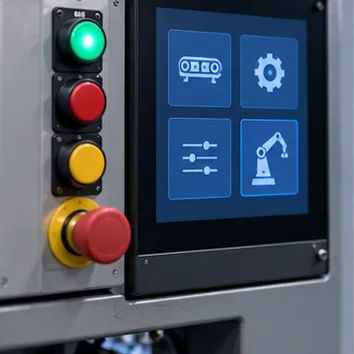
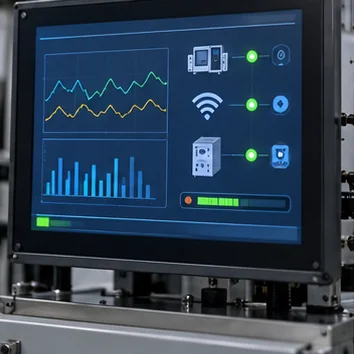
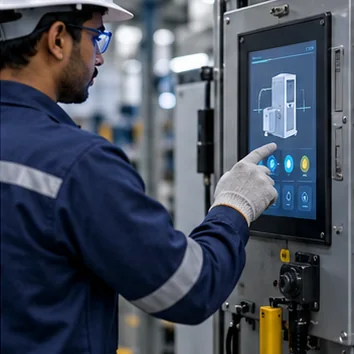

Translate product flows into embedded screen systems, interaction states, component rules, and implementation-ready specifications for the target device.
Define navigation, status, controls, and reusable components.
Account for resolution, input method, runtime, and use conditions.
Describe behavior and visual rules in engineering-ready terms.
Align the display, input hardware, rendering platform, and screen behavior before development begins.
Related solution: Embedded GUI & HMI →