Prepare and identify
Keep sample identity and run context visible throughout the task.

Laboratory operations / sample queue and analyzer status
Support clinical and laboratory workflows with readable results, clear device state, and guided task progression.
Clinical diagnostics, laboratory equipment and clear operator interfaces for care teams.
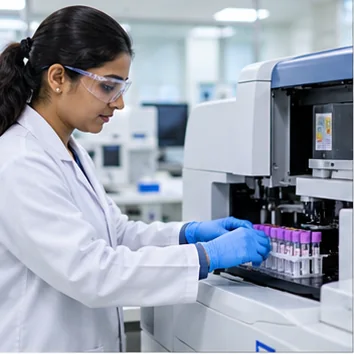

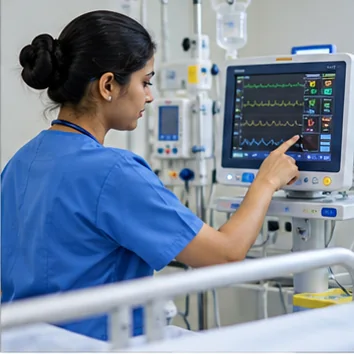
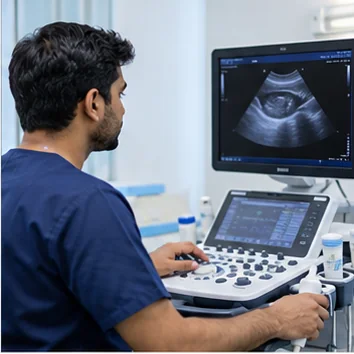


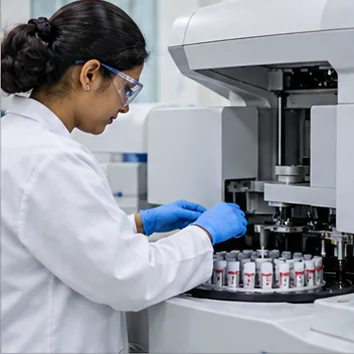
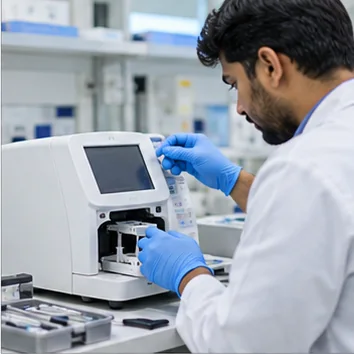


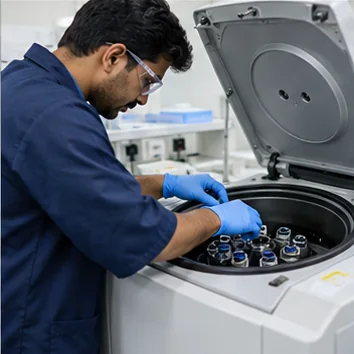

Organize equipment state, sample identity, workflow milestones, and result review around the task performed in each clinical or laboratory setting.
Keep sample identity and run context visible throughout the task.
Make the current step and instrument state easy to understand.
Organize measurements and quality checks for operator review.
We can map roles, sample handling, instrument steps, and review needs before shaping the interface.
Related solution: medical & lab interfaces →