Read the cell state
Show robot, tooling, and safety readiness in context.

Robotics interface / cell readiness and recovery states
Connect robot cell status, device configuration, and diagnostics in useful engineering and operator tools.
Robot motion, machine vision, connected sensors and service workflows for real equipment.
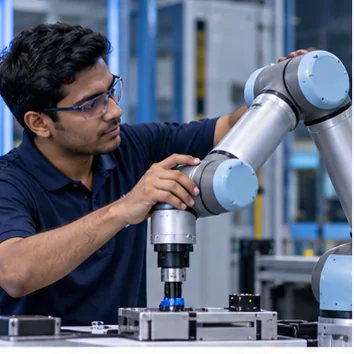
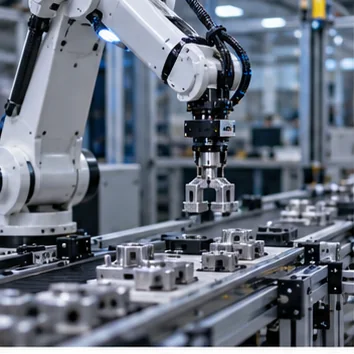
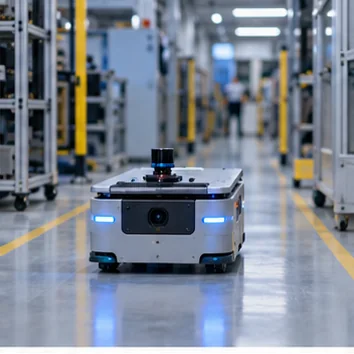
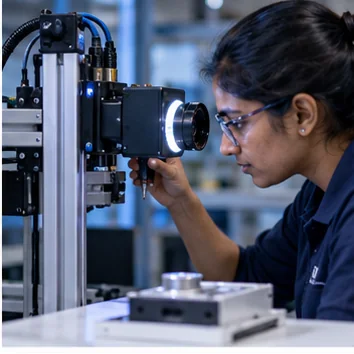
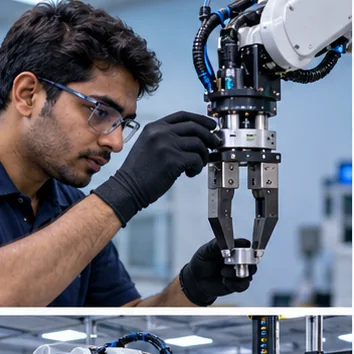
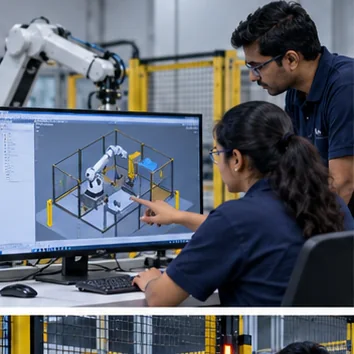
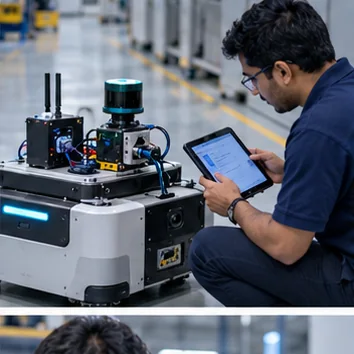
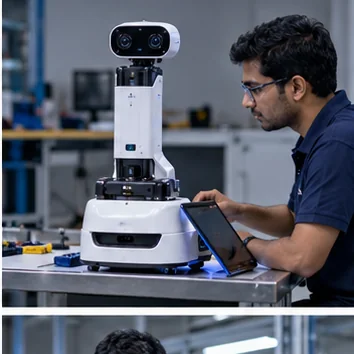
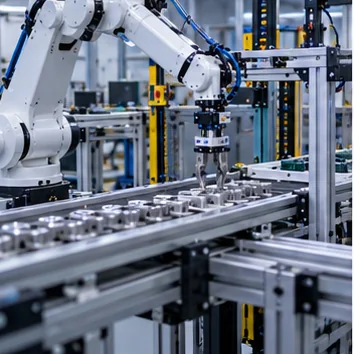
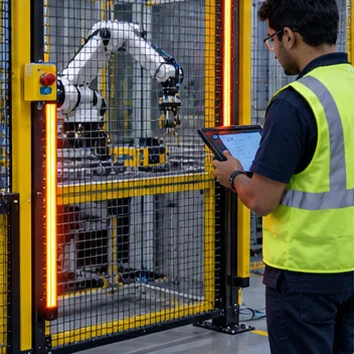
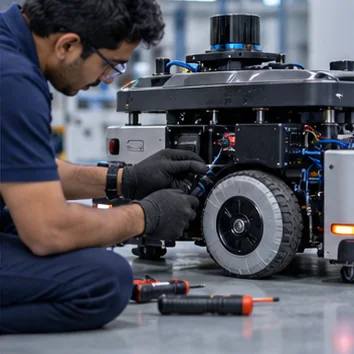
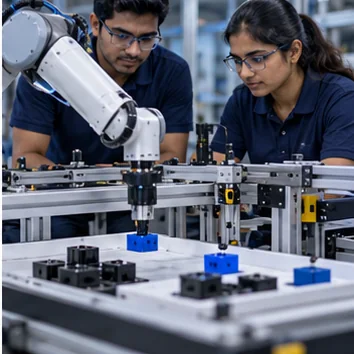
Bring cell readiness, safety interlocks, robot and peripheral status, and service diagnostics into a clear setup and recovery experience.
Show robot, tooling, and safety readiness in context.
Make device settings consistent across setup and service tasks.
Present device links and diagnostics in a clear system view.
Share the robot, peripherals, safety states, and setup tasks. We can organize what the operator or technician needs to see.
Related solution: connected device experiences →