Build a useful scenario
Represent device states, input values, and operating conditions.

SIMULATION / REPLAY & DEBUG
Exercise screen states, data changes, and edge cases in a desktop simulation that helps teams review behavior early.
Explore expected behavior, debug signals and verify integration before release.
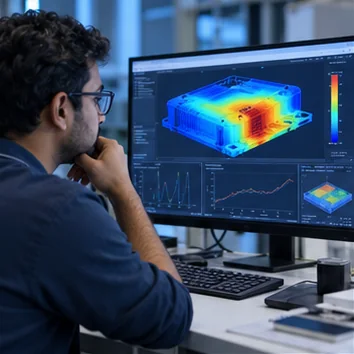
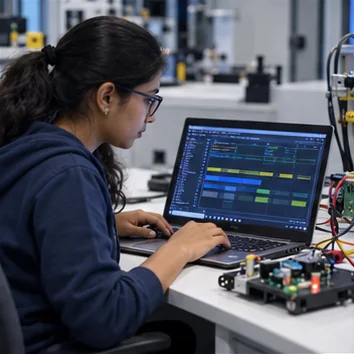
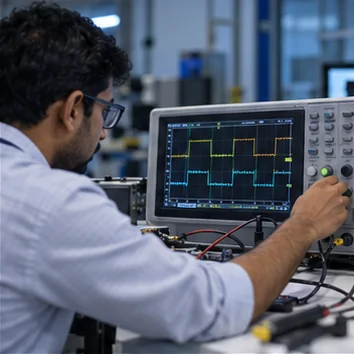
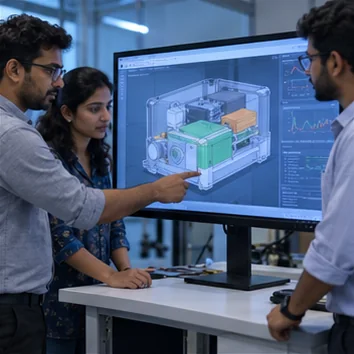
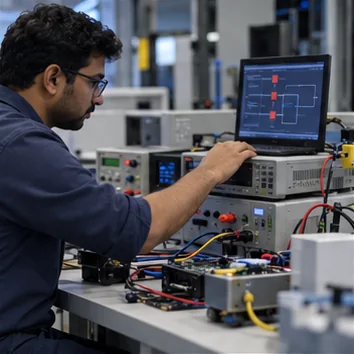
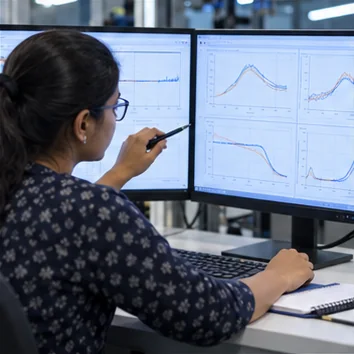
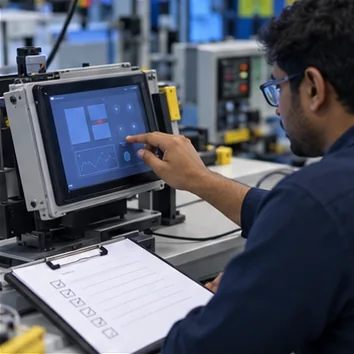
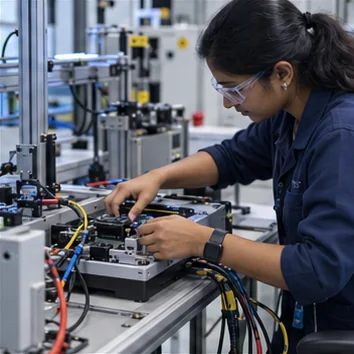
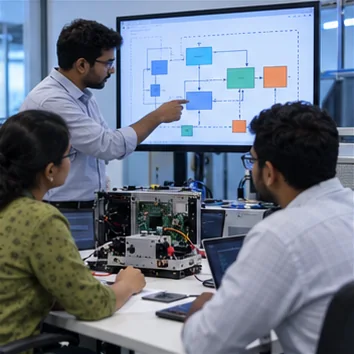
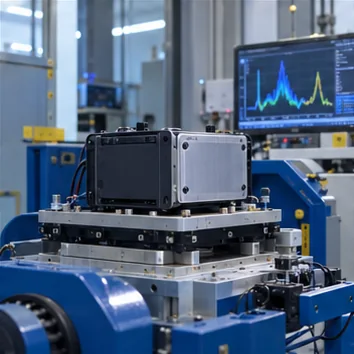
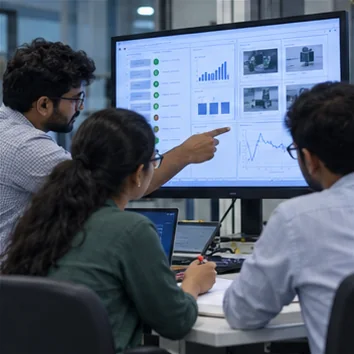
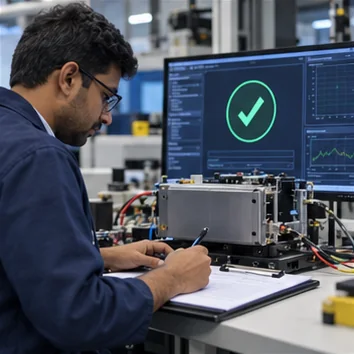
Replay input sequences, sensor values, and error conditions against a model to expose interface and device behavior before commissioning.
Represent device states, input values, and operating conditions.
Compare expected behavior with the simulated interface response.
Record edge cases and review notes for the engineering team.
Bring the expected sequence and the failure conditions. We can build scenarios that help the team observe and isolate behavior.
Related service: integration & validation →